Start with a reviewable result
Before AI-extracted data enters a business system, check that the required fields are present, the values match the source, and a responsible person can resolve uncertain results. A plausible-looking table is not enough. Your review process should explain where each value came from and what happened when the document did not contain an answer.
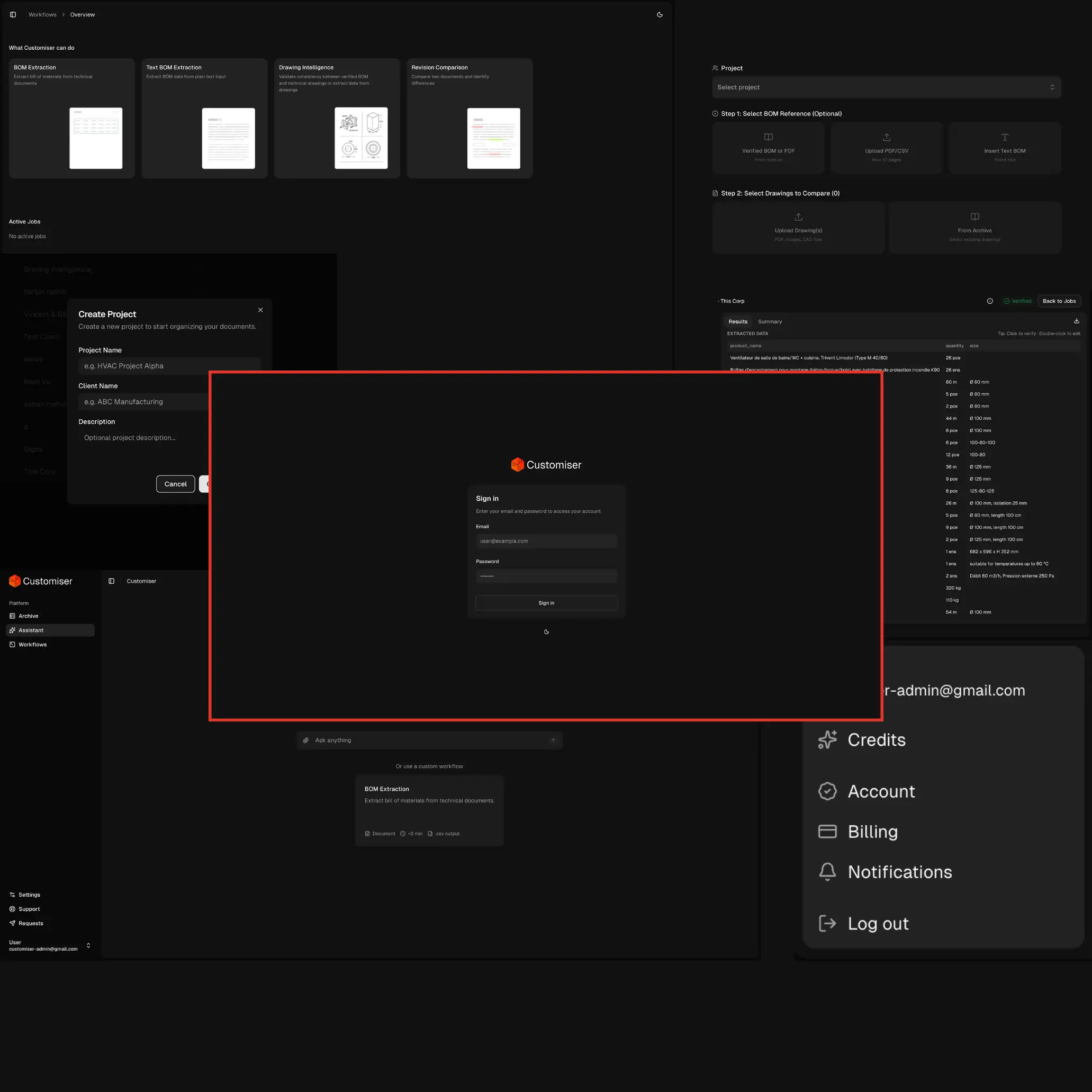
In my work on Customiser, the source document and extracted table are presented together, with source highlighting to support inspection. That connection matters because reviewers need to check a value against the document before using it in a quotation or business record.
Define the fields before choosing the extraction method
Write down the fields the next workflow needs, their expected formats, and whether they are required. Include units, identifiers and relationships between rows. For a manufacturing document, a part number without its revision or quantity may be insufficient. For an invoice, a total without its currency leaves an important ambiguity.
Agree how each field will be checked. An identifier might need an exact match, while a description may permit harmless wording differences. Record any normalization separately, such as converting a printed date into a standard format. Keep the original value available so a reviewer can see what changed.
Choose a small, useful output first. Extracting every sentence increases the amount to inspect without necessarily helping the business. Start with the information required for one defined action and expand when the review process is working.
Keep evidence next to the value
Give each extracted field a reference to the source file and, where practical, the page and relevant area. A reviewer should be able to open the evidence without searching through the whole document. Keep document versions distinct so a correction in a later file does not silently change the meaning of an earlier result.
Worked example, using fictional order data: page 2 says “12 boxes”; the matching product specification says “10 units per box.” Retain “12 boxes” as the source value and show “120 units” as the proposed normalized value, with both references beside it. Keep the row awaiting review until someone checks that the specification applies to this product and approves the conversion. If the pack size cannot be established, leave the unit quantity unresolved rather than exporting 120.
Source references make inspection possible; they do not prove an answer is correct. Check that the cited passage supports the actual field, particularly when nearby rows contain similar names or numbers.
Make uncertainty visible and actionable
Use separate states for information that is missing, unreadable, conflicting or awaiting review. Do not fill an absent value with a likely answer just to complete a row. A blank field with a clear explanation is more useful than an invented value that looks authoritative.
Route exceptions to a person who can resolve them. A missing reference might require a customer question, while a mismatch with the product catalogue might require an internal specialist. The review screen should explain what is wrong, what evidence exists and which action is available.
If the system provides a confidence score, treat it as one signal to evaluate. Do not assume a high score justifies automatic acceptance. Decide review rules using observed results on representative documents and the consequence of an incorrect value.
Test with difficult documents as well as clean examples
Build a test set from the document types the workflow is expected to handle, with appropriate permission to use them. Include different layouts, scanned pages, rotated text, tables across pages, revisions and documents with missing information. Keep an independently checked expected result for each example.
Compare results field by field. Count missing values, incorrect values and values supplied without evidence separately. Also test row alignment: individually correct numbers attached to the wrong item still produce an incorrect record. Review whole documents as well as isolated fields.
Keep some examples separate from development decisions so you can check changes against unfamiliar material. When a model, prompt or processing step changes, rerun the relevant set. Record what improved, what became worse and whether the acceptance criteria still hold.
Agree the handoff and correction process
Define who approves the result, where approved data goes, and whether a later correction replaces or amends a previous export. Preserve the source file, extracted version, reviewer decision and export reference where the workflow requires traceability. Agree access and retention rules before using real business documents.
Test recovery as carefully as the successful path. A failed export should not require redoing the entire review, and retrying should not create duplicate records. Make the status clear enough that staff know whether data is still a draft, approved or already delivered.
To brief an extraction project, bring sample documents, the required fields, the destination format and an example of an unacceptable error. Name the person who will approve results. Together, these define what the first working version must demonstrate.