Choose based on the work that needs control
Consider a custom web application when a recurring workflow needs shared records, defined permissions or rules that your spreadsheets cannot reliably support. The number of spreadsheet rows alone is a poor reason to rebuild. Start with the mistakes, handoffs and decisions that create a business problem.
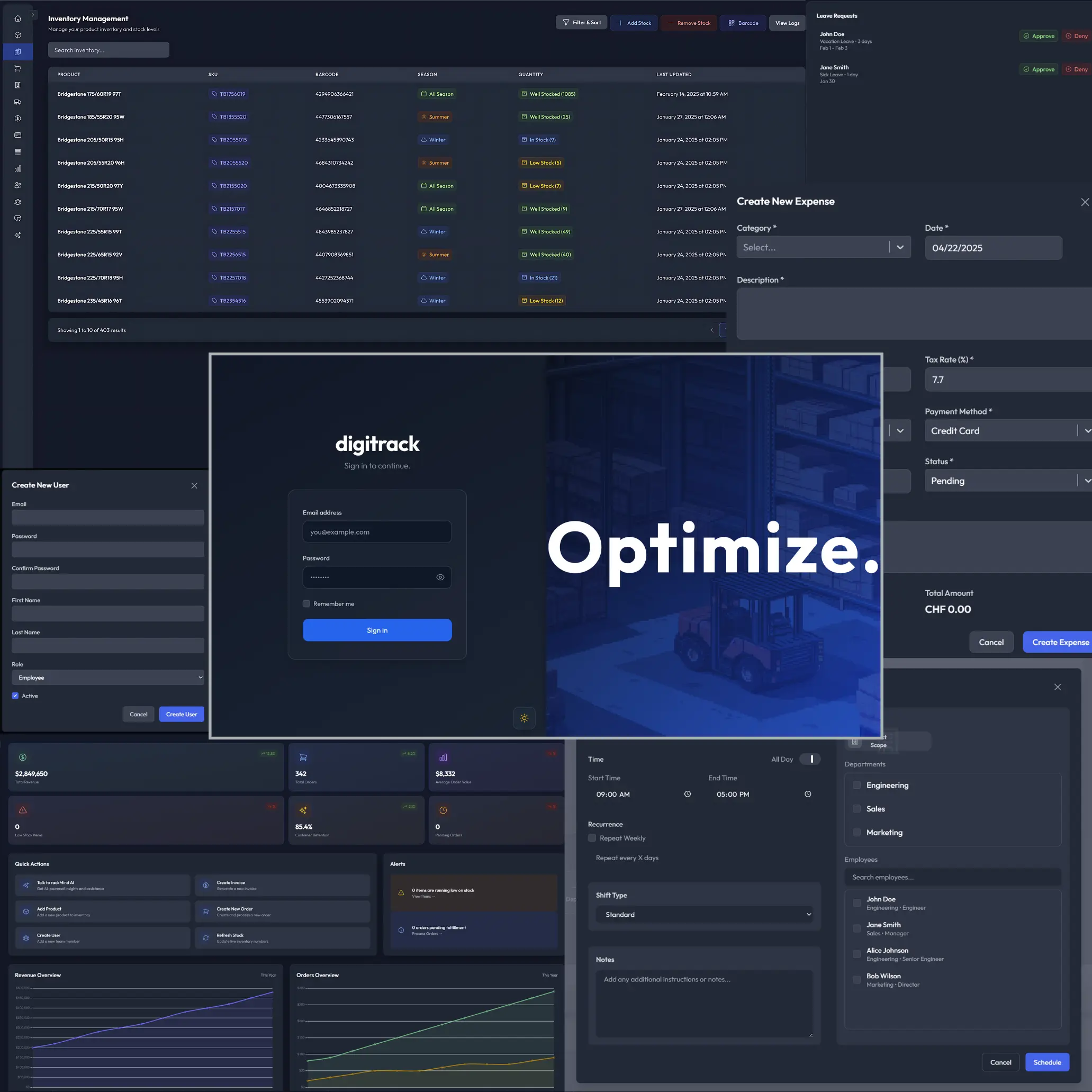
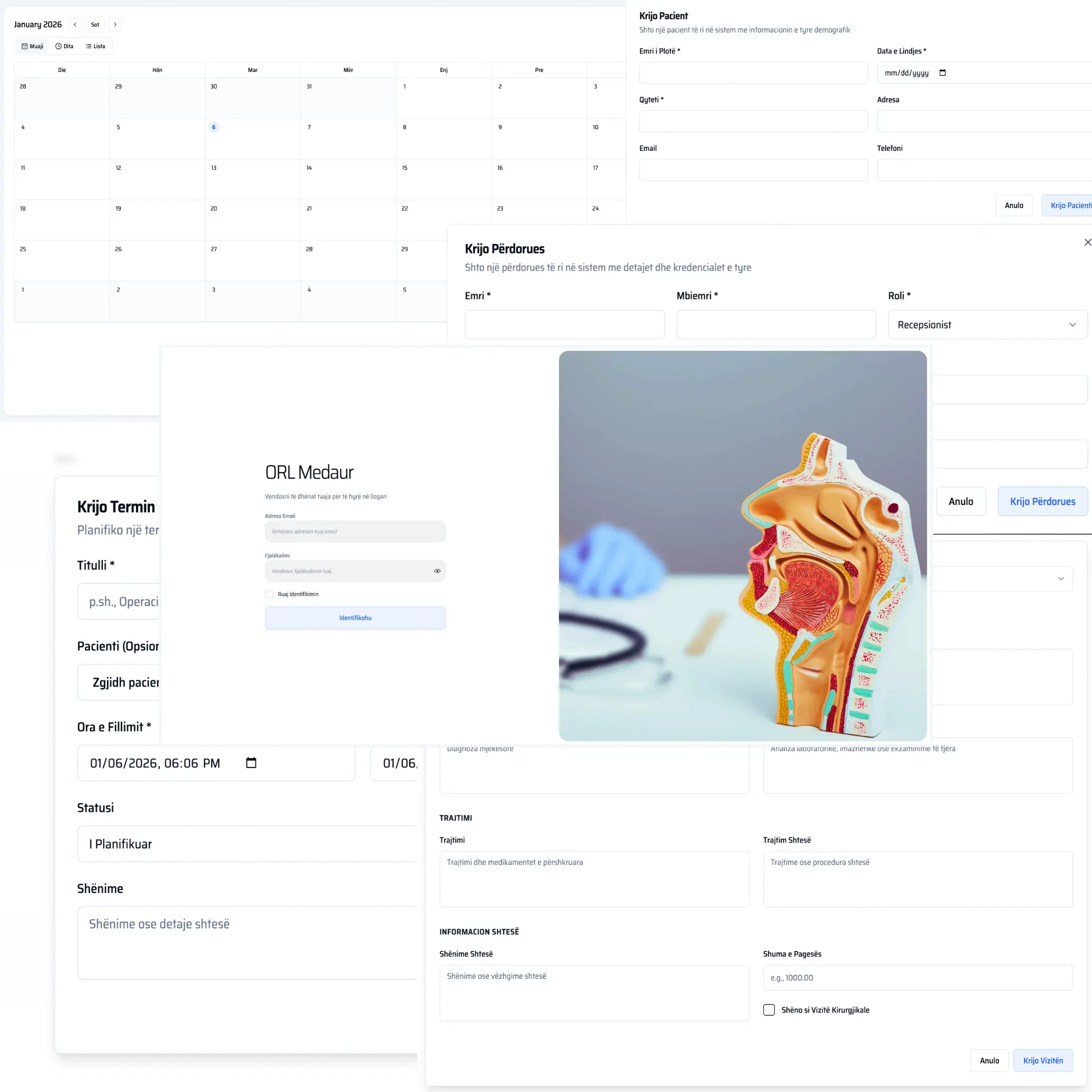
My work on Medaur HIMS, iMeet and Digitrack covers patient records, appointment coordination and financial tracking. Each has different records and responsibilities. Those differences determine the application requirements more usefully than starting with a dashboard or a preferred technology.
Identify whether the problem is the tool or the process
Write down how a record enters the spreadsheet, who changes it and where its information goes next. Note duplicate entry, unclear ownership, overwritten formulas and conflicting versions. Distinguish problems that happen regularly from occasional inconveniences that do not justify a new system.
Check whether a simpler change would help: one agreed source file, protected inputs, clearer column definitions or an established product already designed for the task. Improving a spreadsheet process can be the right outcome when the workflow is small and the requirements are still changing.
Custom software becomes more relevant when several roles need different views or actions, when records have related histories, or when the business needs repeatable validation. Document a real example of each requirement. “We need a dashboard” is less useful than explaining who must decide what from the data.
Compare existing products with a bounded custom scope
List the essential tasks and evaluate existing software against them. Include setup, data migration, integrations, ongoing administration and the work needed to adapt the business process. A product that covers the core workflow may be preferable even if its interface is less specific to your business.
Worked example, for a fictional service business tracking jobs: improve the spreadsheet if one coordinator owns updates and protected fields resolve the recurring mistakes. Consider an existing scheduling product if its job records, permissions and exports meet the essential tasks. Consider a custom application if assignments, approvals and linked job histories require rules the available products cannot support without repeated workarounds. Test all three options against the same tasks before comparing total setup and maintenance costs.
Compare ownership as well as features. Decide who will maintain the application, respond to failures, manage access and review future changes. A custom application creates a continuing responsibility. Account for that responsibility when comparing options rather than treating launch as the end of the cost.
Define records, roles and decisions
Describe the important entities in ordinary language: customer, appointment, project, payment or another business record. Identify what makes each record unique and which other records it relates to. Agree how duplicates, corrections and cancellations should behave before designing screens.
Write down the roles and the actions each role may take. Reading a record, changing it, approving it and exporting it are different permissions. For sensitive information, establish what the business is authorized to store and who is responsible for reviewing the handling requirements.
A hypothetical scheduling application might allow staff to propose appointments while a coordinator assigns them. That distinction affects the data, interface and approval history. Resolving it early is easier than adding a second meaning to “confirmed” after development has started.
Treat migration as a separate piece of work
Inspect the existing files for duplicate people, inconsistent dates, mixed units and columns whose meaning changed over time. Preserve an original copy before transformation. Agree which records are active, which need review and which should stay in an archive rather than enter the new application.
Map each source column to its destination and document any transformation. Sample migrated records with someone who understands the business history. A successful import command does not establish that the resulting information is correct or complete.
Plan the changeover. Decide when editing the old files stops, who checks the final import and what happens if a problem appears. Avoid an indefinite period in which two systems both seem authoritative. If temporary parallel use is necessary, define exactly which system owns each action.
Write acceptance tasks before development
Create realistic tasks with expected outcomes. For example, a user creates a record, another user updates it, a restricted user cannot approve it and an authorized reviewer can retrieve its history. Include missing information, duplicate submissions, connection failures and attempts to act without permission.
Ask the people who perform the work to try a representative prototype before the whole application is built. Look for misunderstandings about labels, record relationships and status changes. Adjusting the workflow at this stage can prevent expensive correction later.
Bring the current files, process outline, user roles, essential reports and acceptance tasks to the project discussion. Name a business owner who can resolve conflicting requirements. That is enough to compare the options before committing to development.